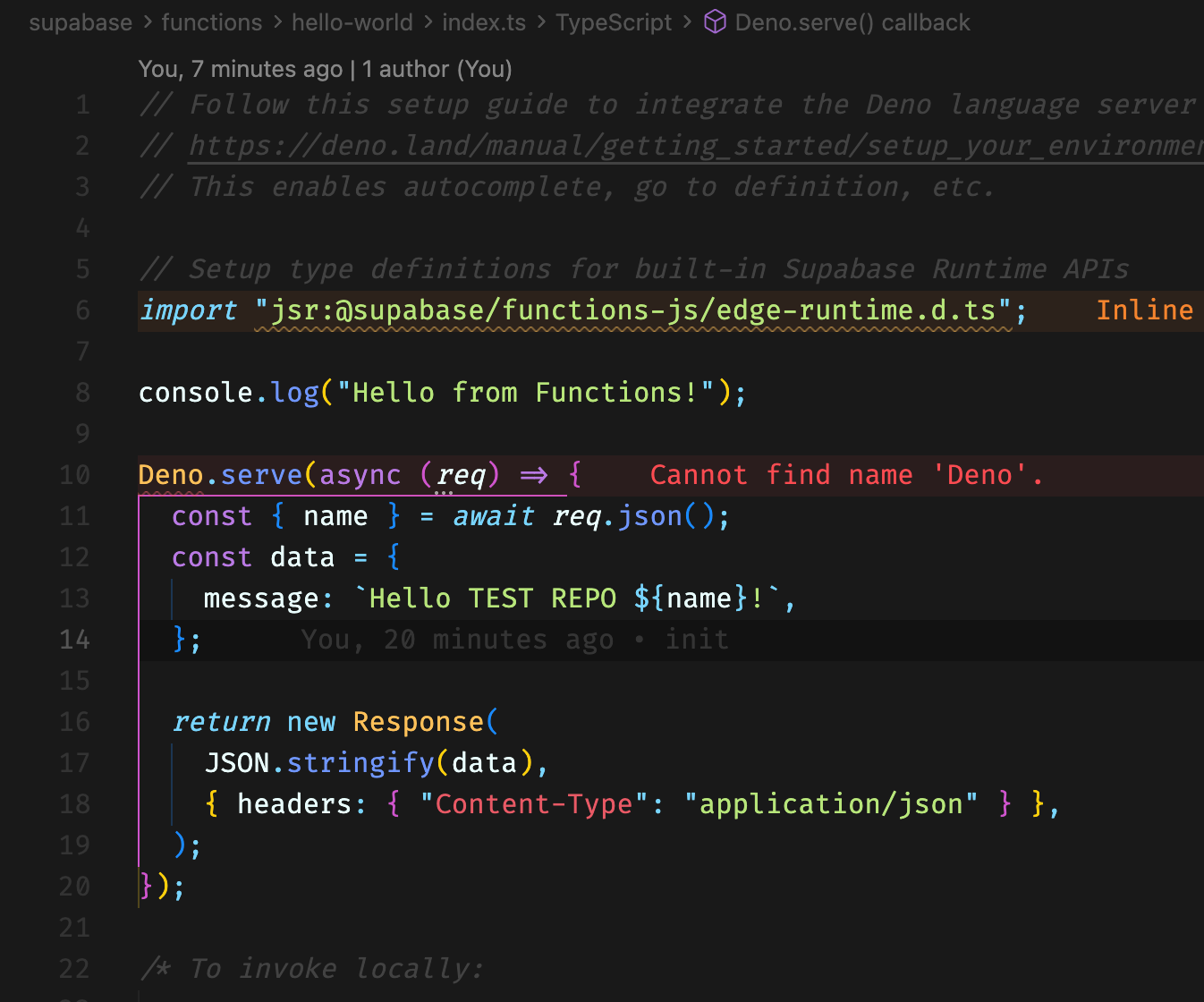
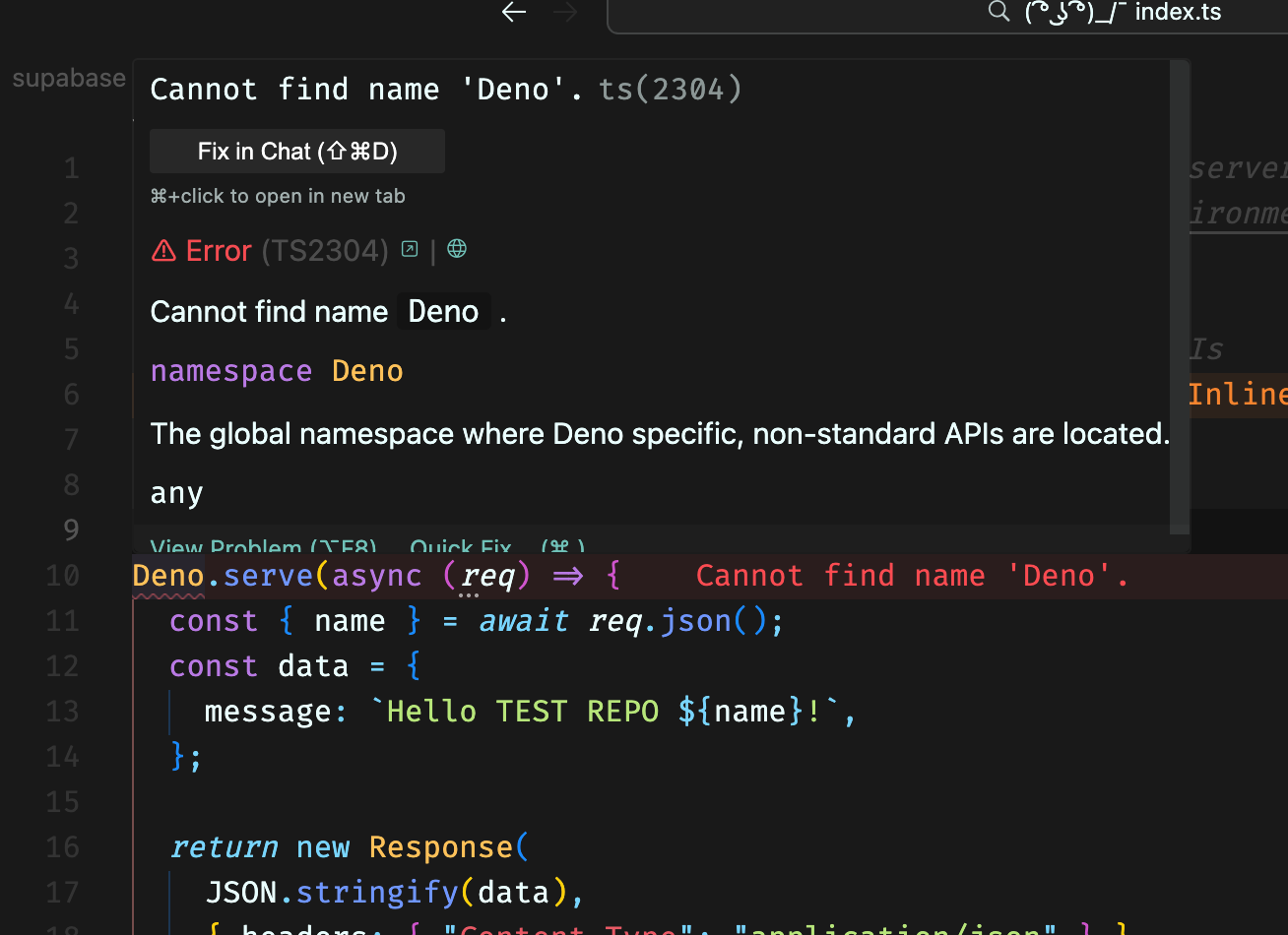
Cannot find name 'Deno'.ts(2304)
🧑💻JS / TS Development
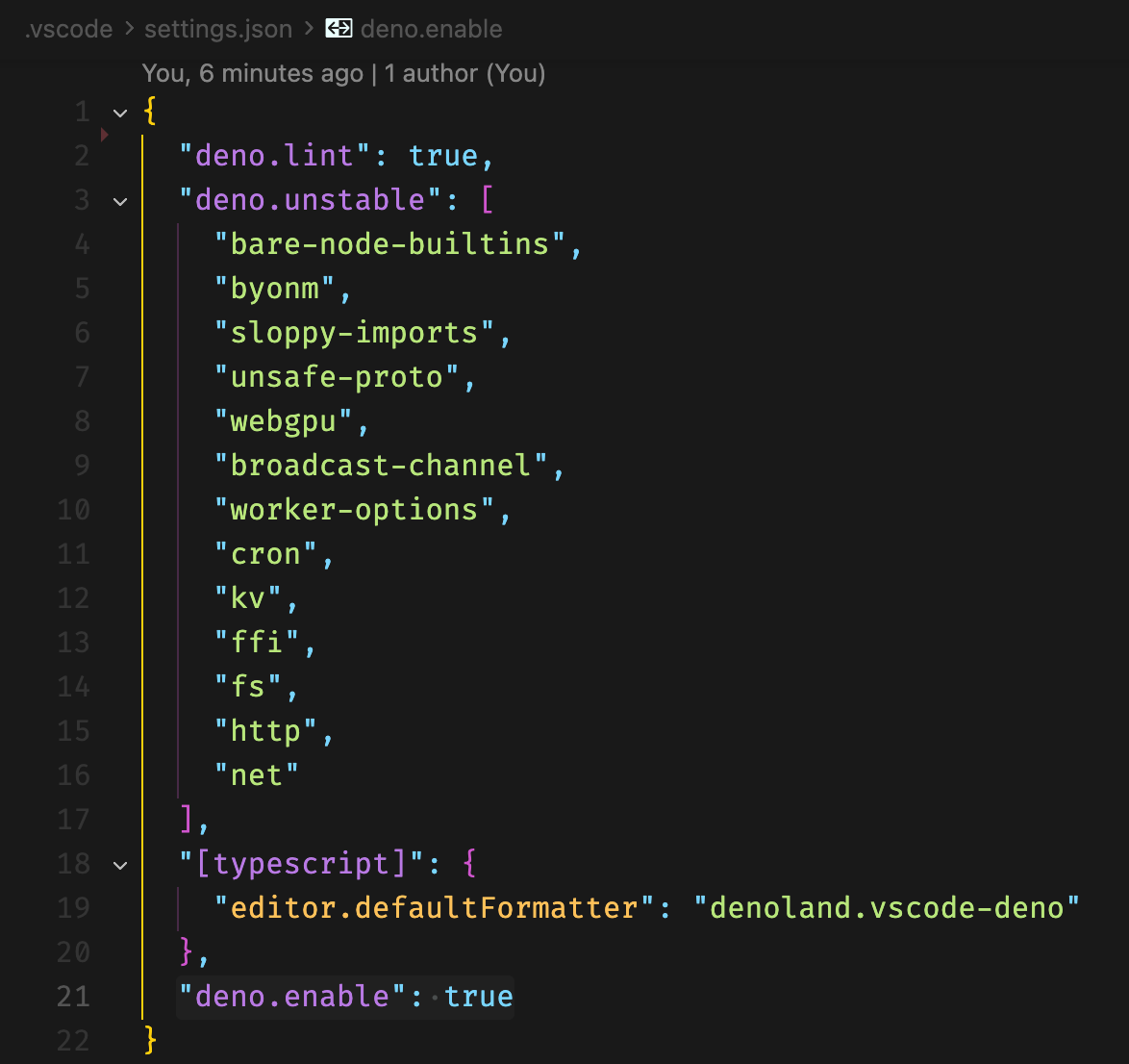
I am getting this vscode error even though "deno.enable": true is set in my .vscode/settings.json
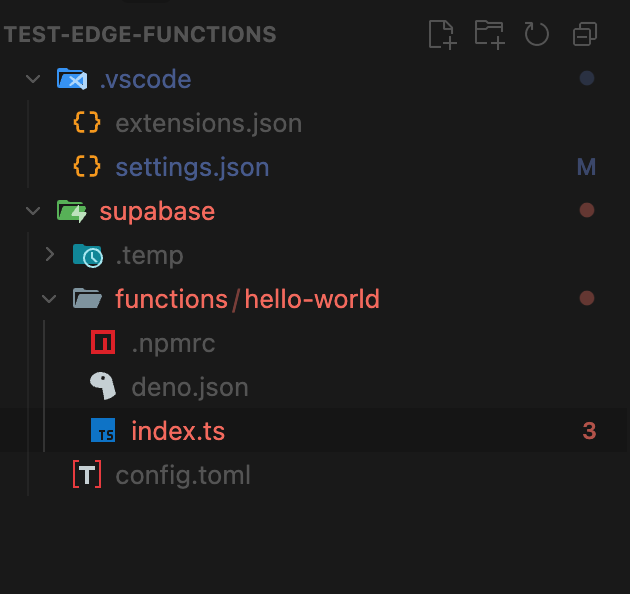
I have created a basic project to reproduce. (See screenshots)
Setting the following will make the error disappear from my ide. But this is not a solution.
"typescript.validate.enable": false
Shouldn't "deno.enable": true, handle this properly? What am I missing?
I would be super thankful for any help or hint. I have spent too much time with this already
I have created a basic project to reproduce. (See screenshots)
Setting the following will make the error disappear from my ide. But this is not a solution.
"typescript.validate.enable": false
Shouldn't "deno.enable": true, handle this properly? What am I missing?
I would be super thankful for any help or hint. I have spent too much time with this already